End-Client (SME/Investor) Onboarding
The onboarding of end-clients involves a multi-step process ensuring secure authentication, legal compliance (KYC/AML), and the proper setup of blockchain infrastructure for the participating entities.
1. Secure User Registration & Authentication
The journey begins with the user creating a secure identity via our central Identity and Access Management system (Keycloak).
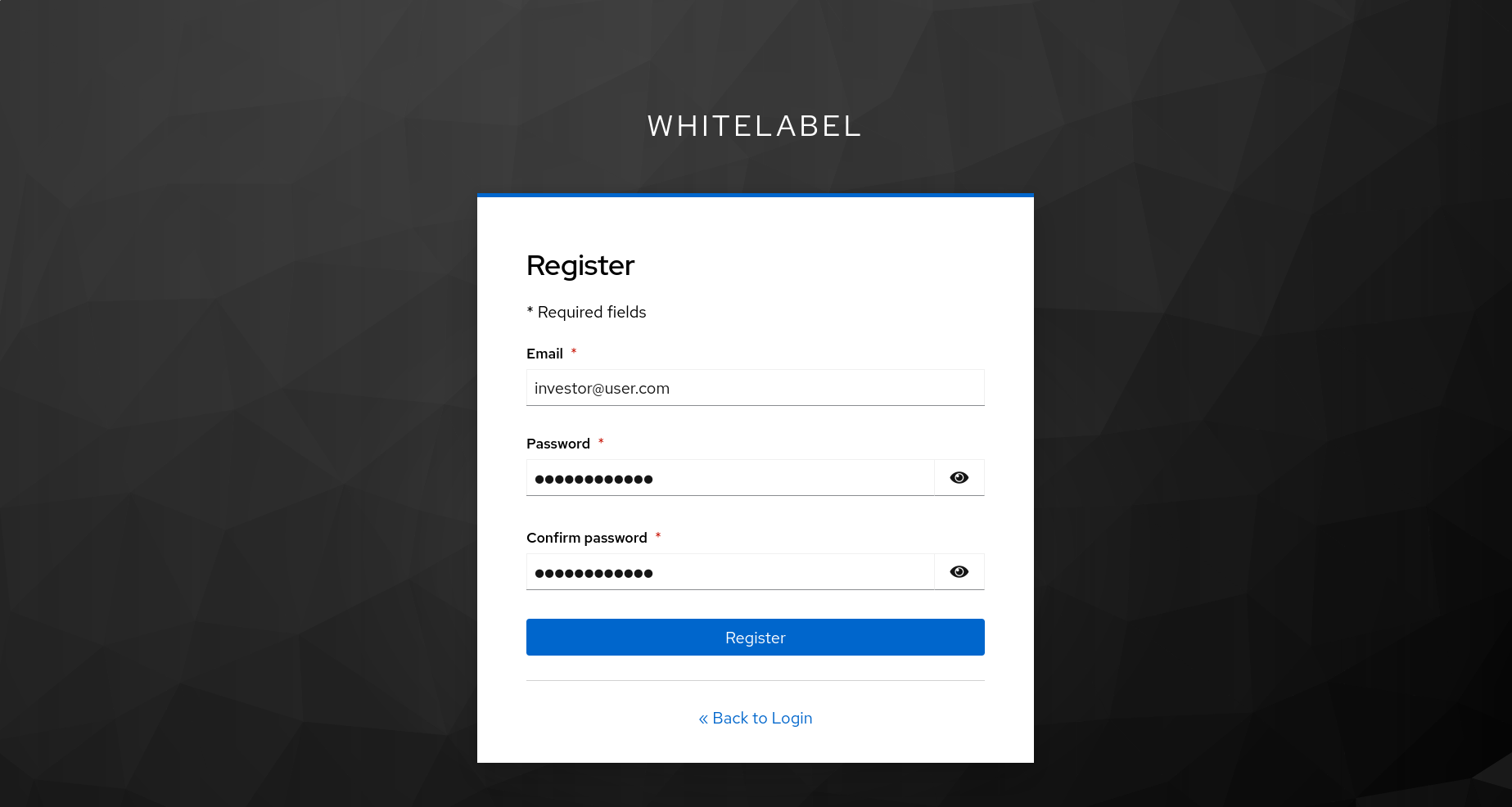
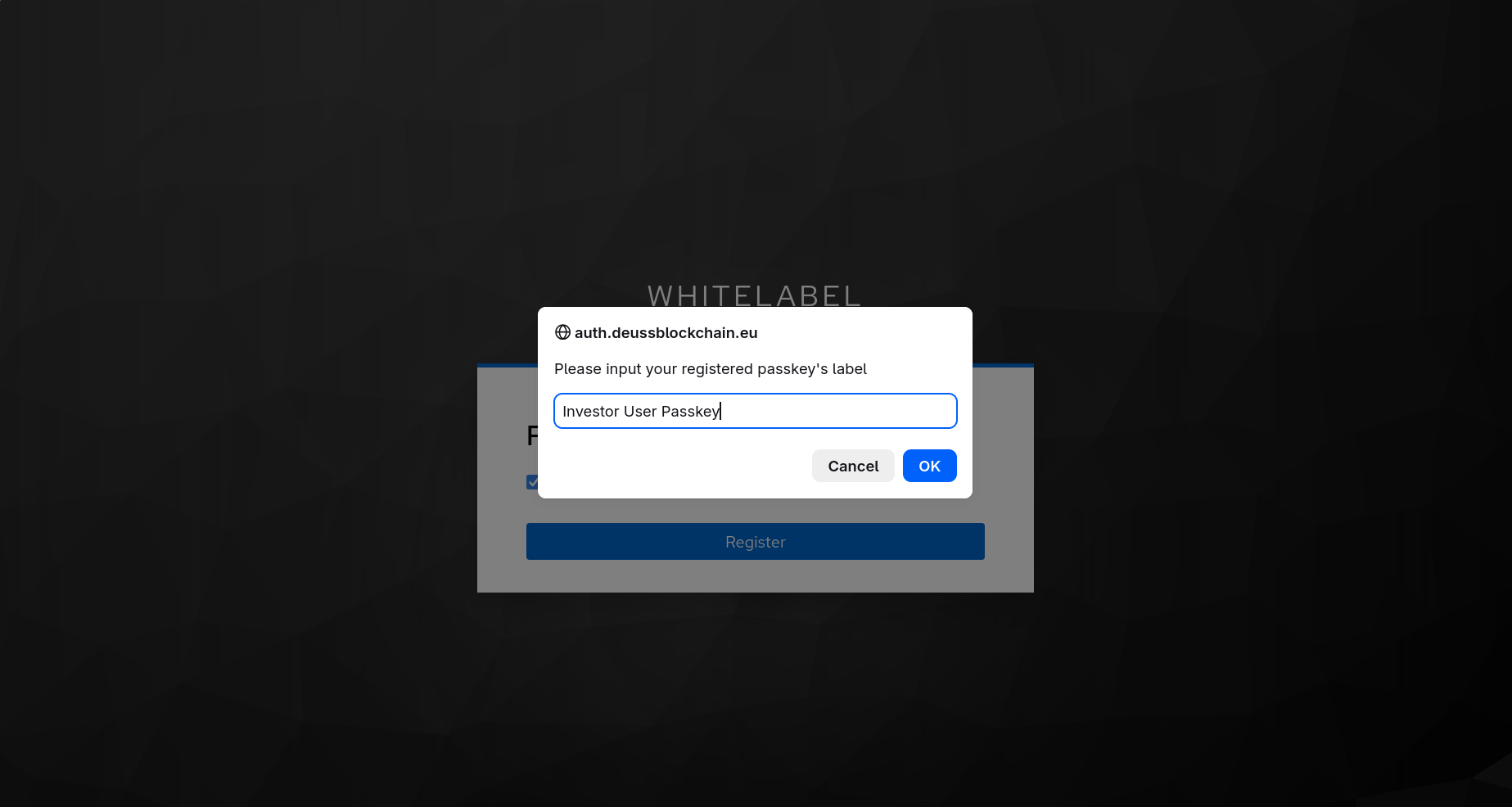
To guarantee the highest level of security and compliance, the platform mandates the use of Passkeys (WebAuthn) for passwordless authentication. Below is an example of a user generating and saving their passkey using a standard browser extension (in this case, Bitwarden).
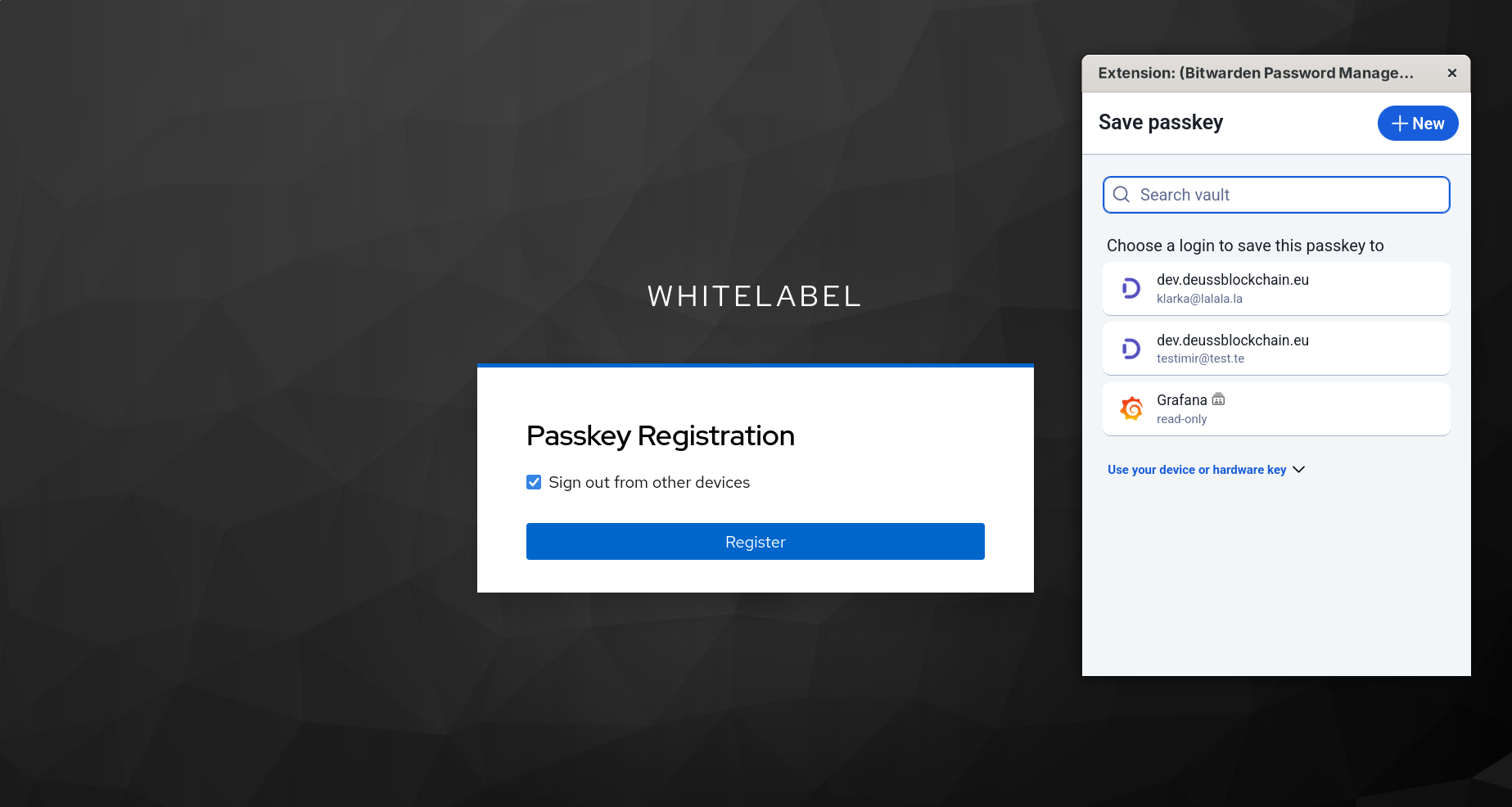
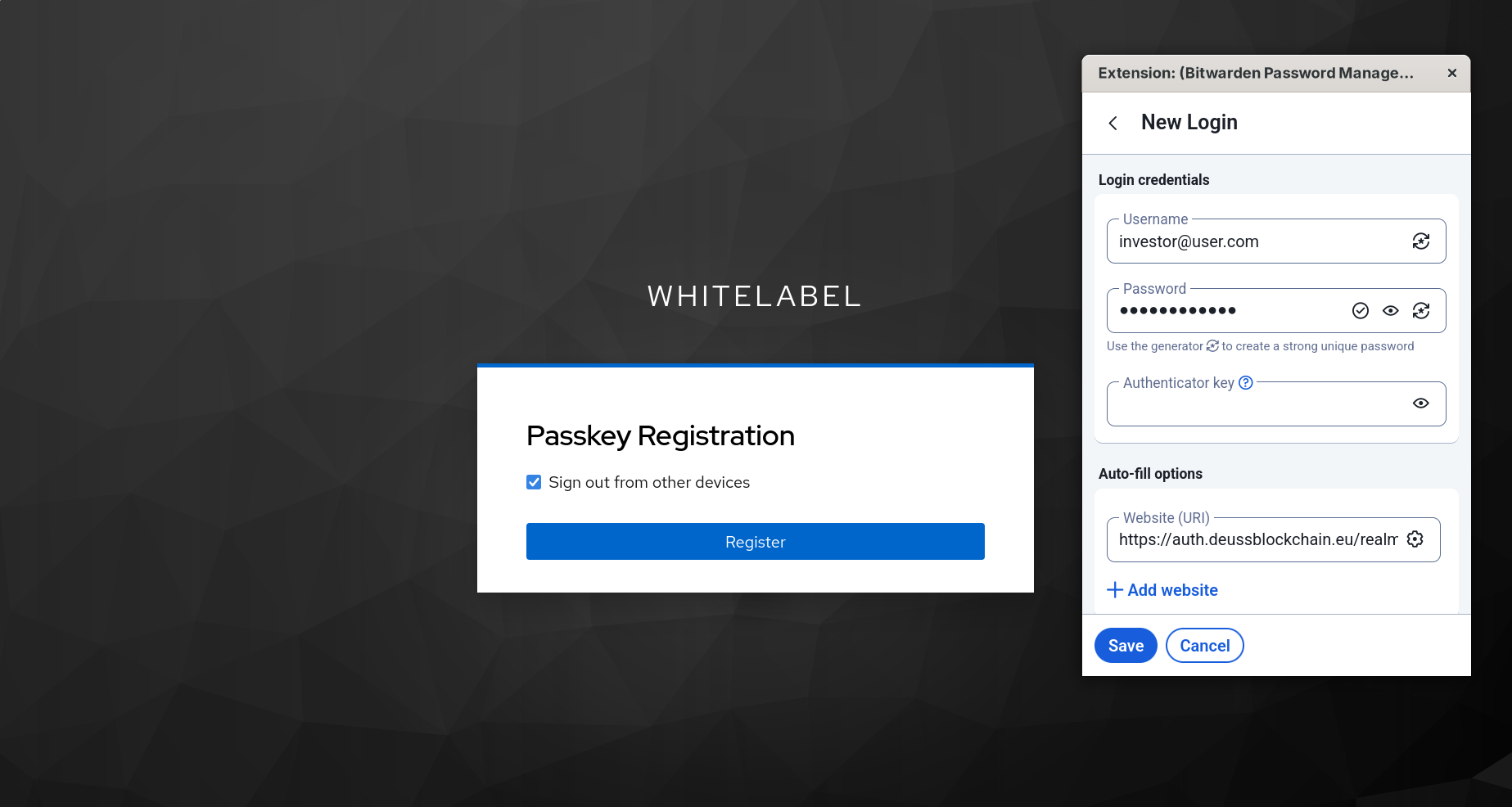
The user assigns a custom label to their passkey for easy identification during future login attempts across different devices.
2. Platform Profile Setup (KYC)
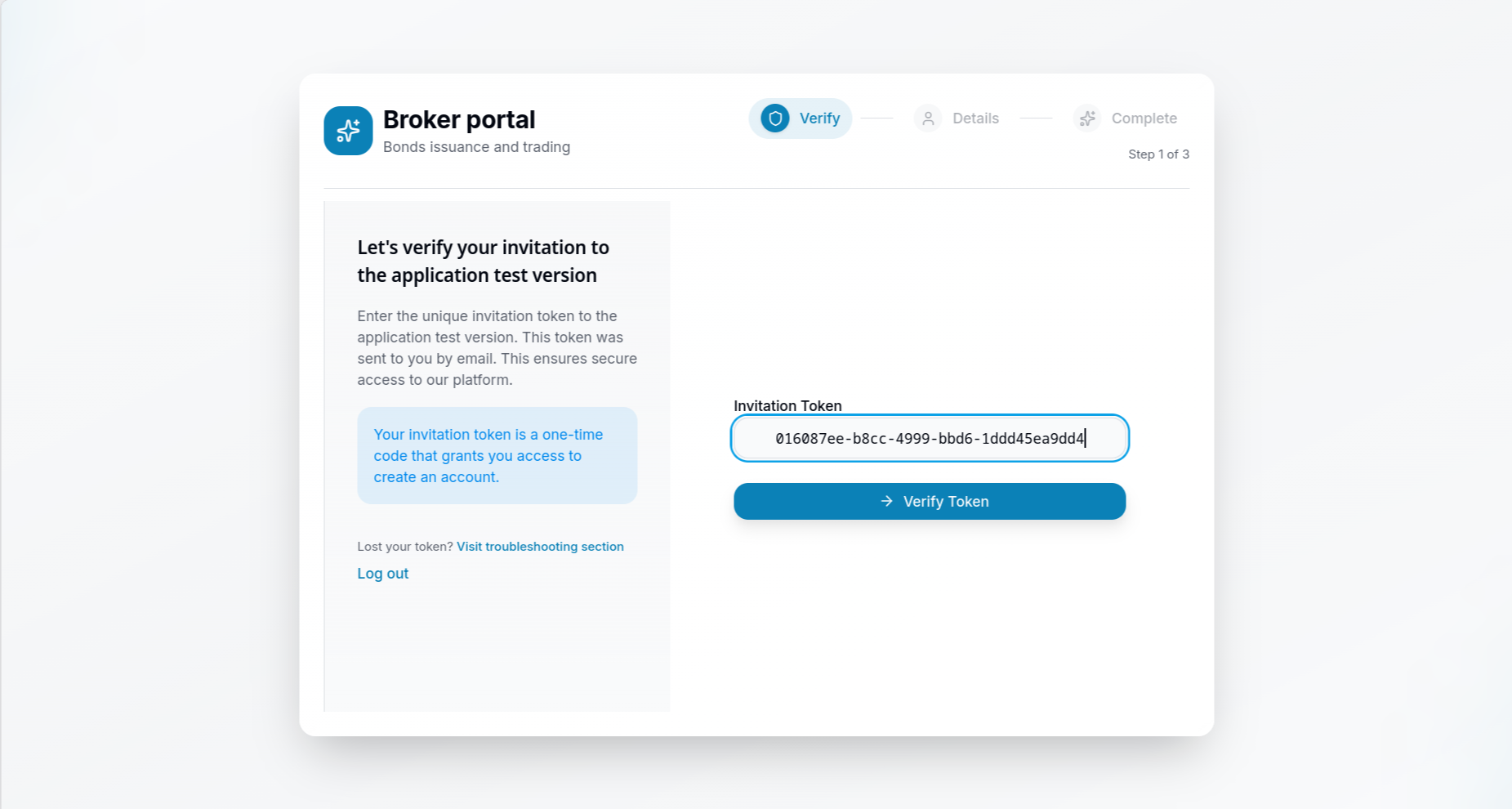
Once securely authenticated via Keycloak, the user is redirected back to the Whitelabel broker application to complete their initial setup. For closed-access environments, the user may first be required to verify an invitation token sent by the broker.
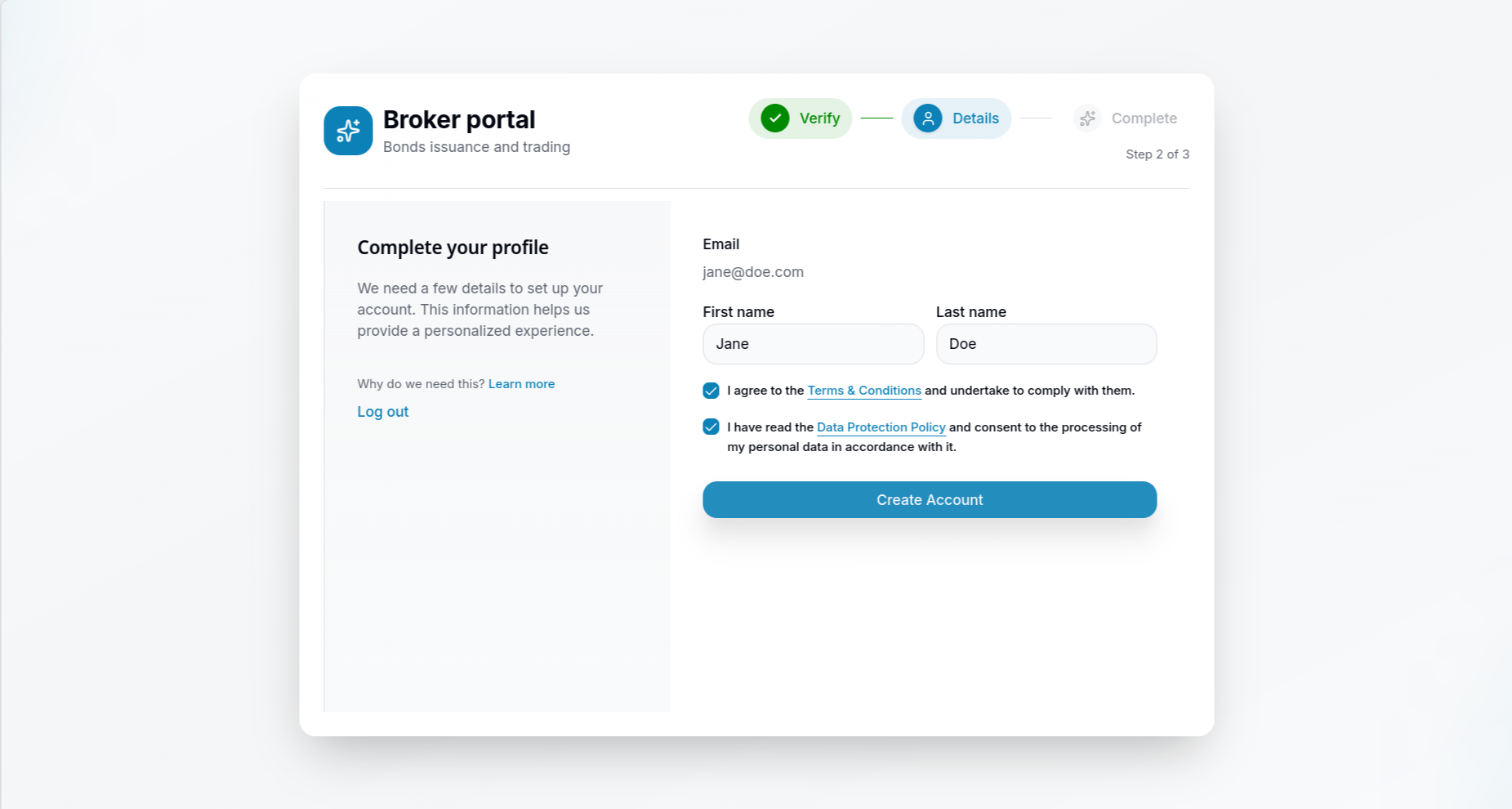
Next, the user completes their personal profile by providing their contact details and agreeing to the platform's Terms & Conditions and Data Protection Policy.
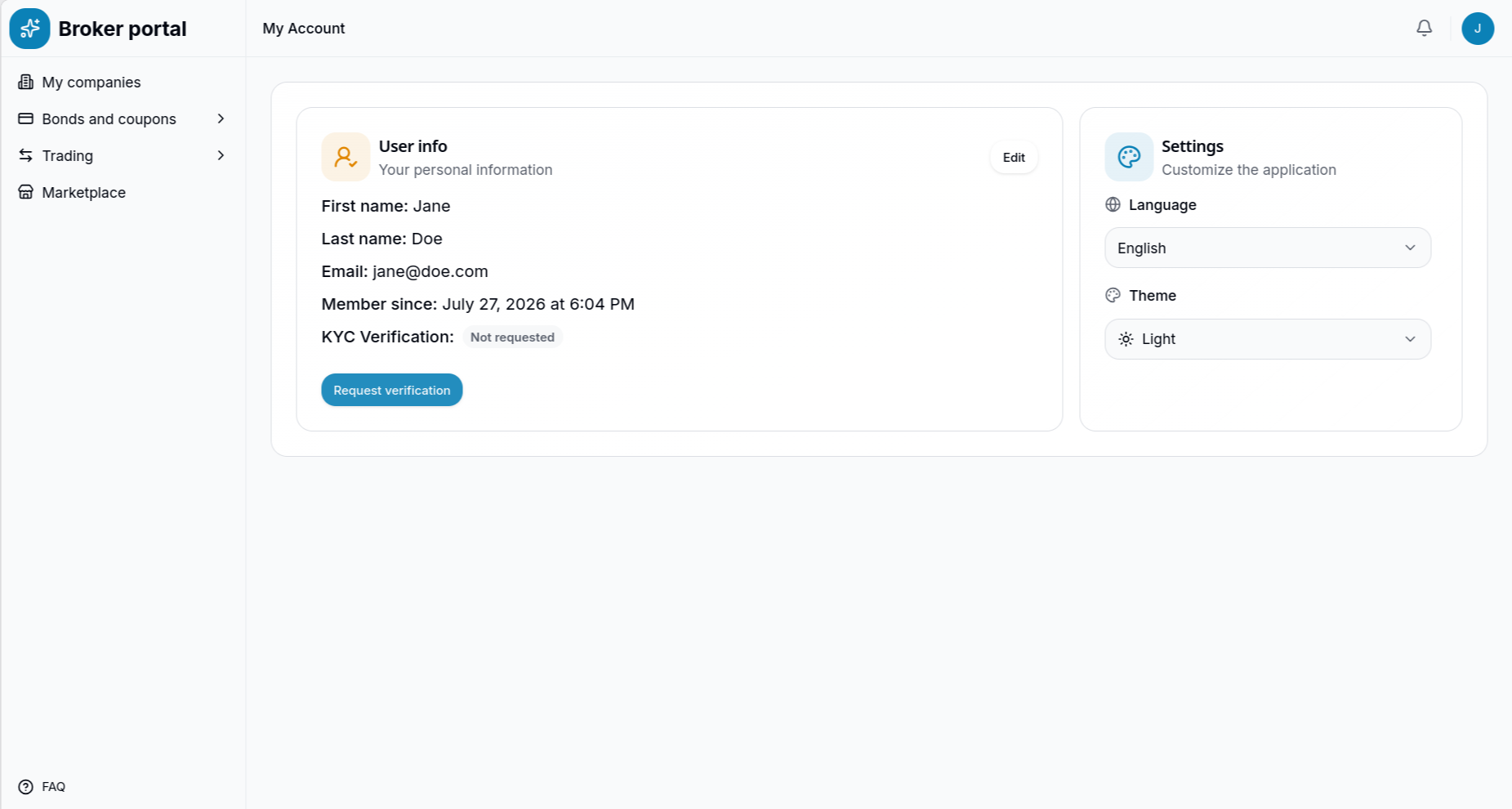
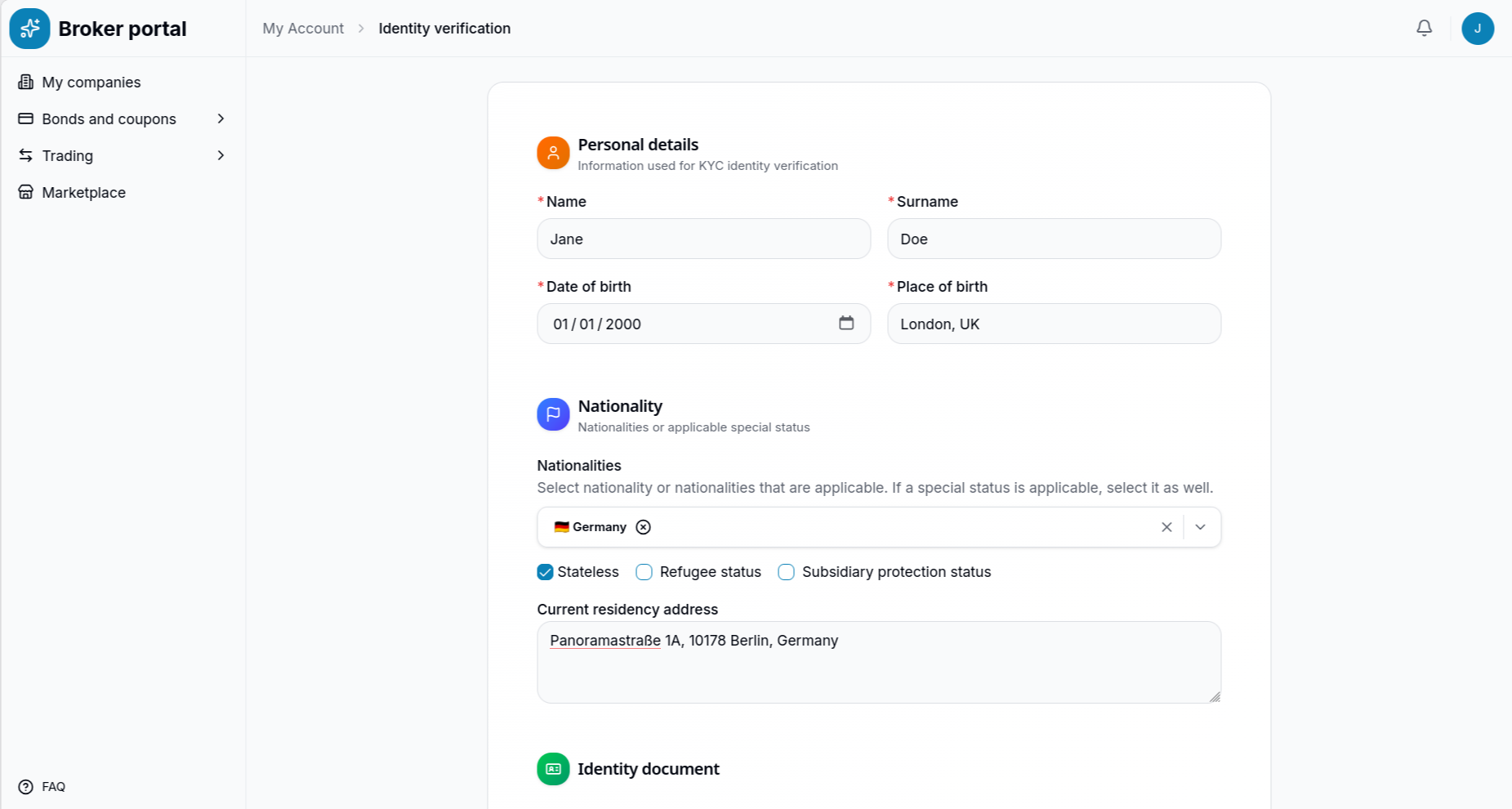
With the basic account created, the platform requires a formal Know Your Customer (KYC) identity verification before the user can operate on behalf of a company. The user navigates to their account settings to initiate this process.
The user provides their personal details, including their date and place of birth, nationality, and current residency address.
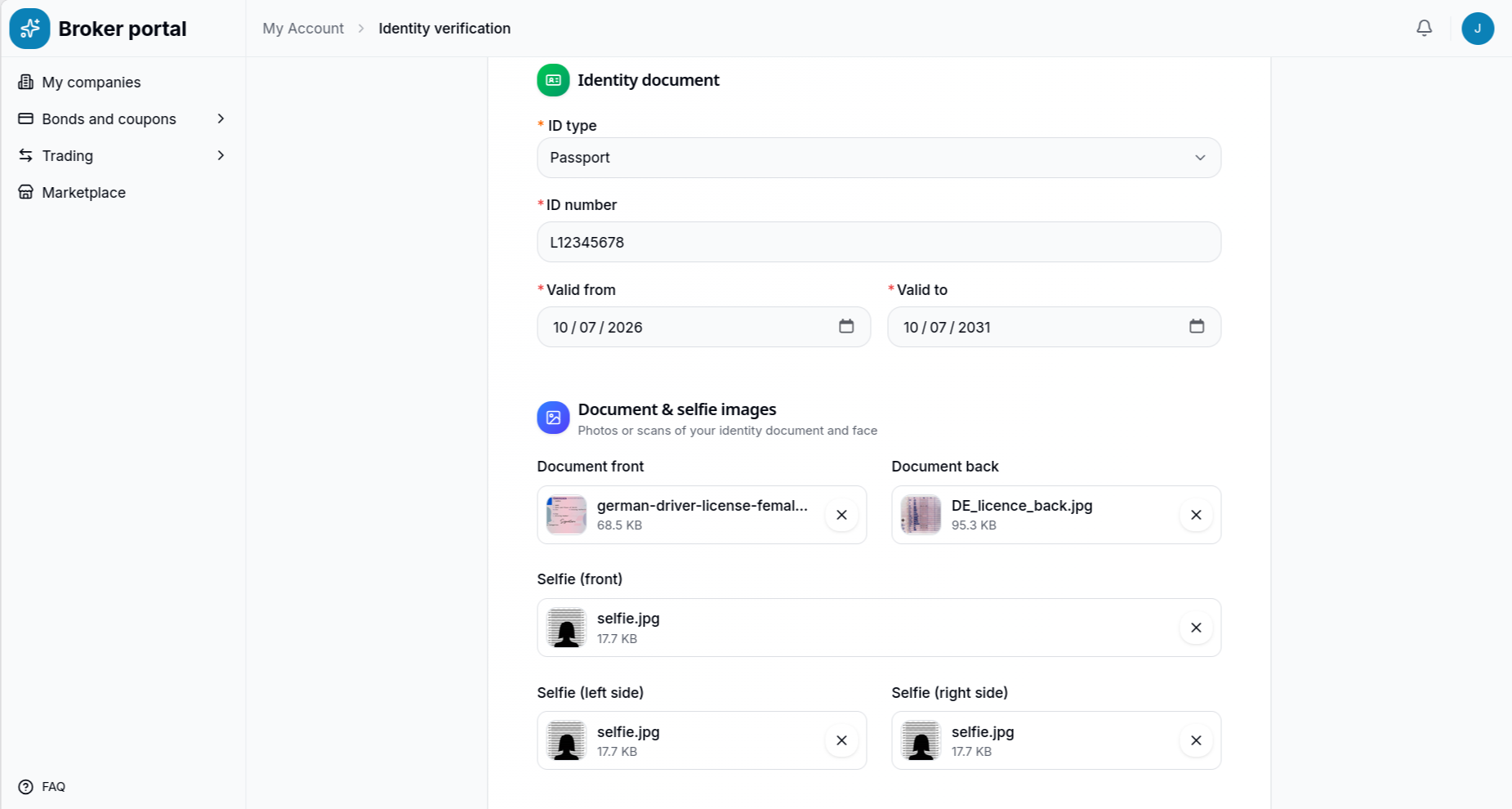
Following personal details, the user must upload a scan of a valid identity document (e.g., a Passport or ID card) along with selfies for liveness verification and face matching.
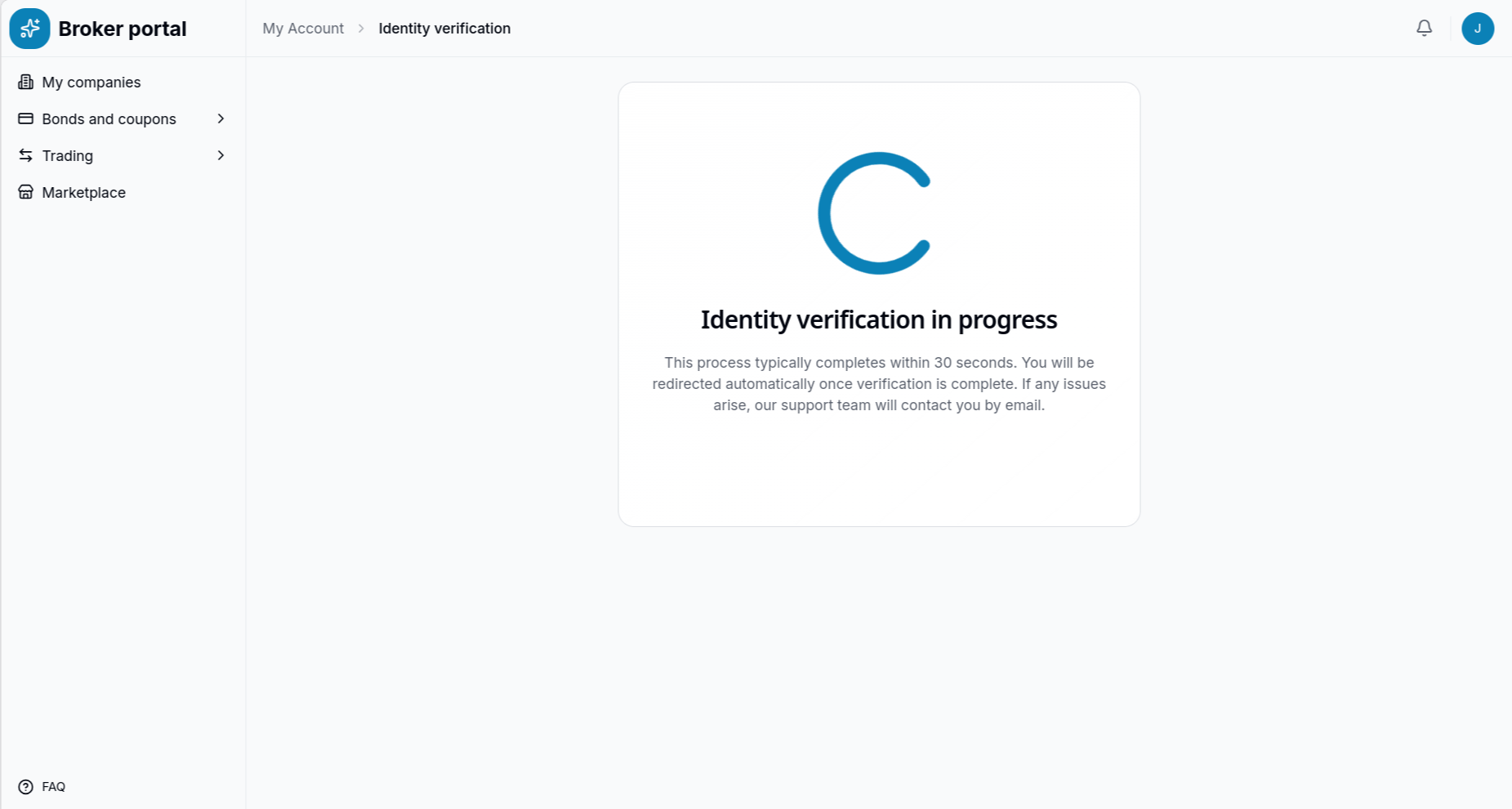
The automated system processes the submitted documents securely.
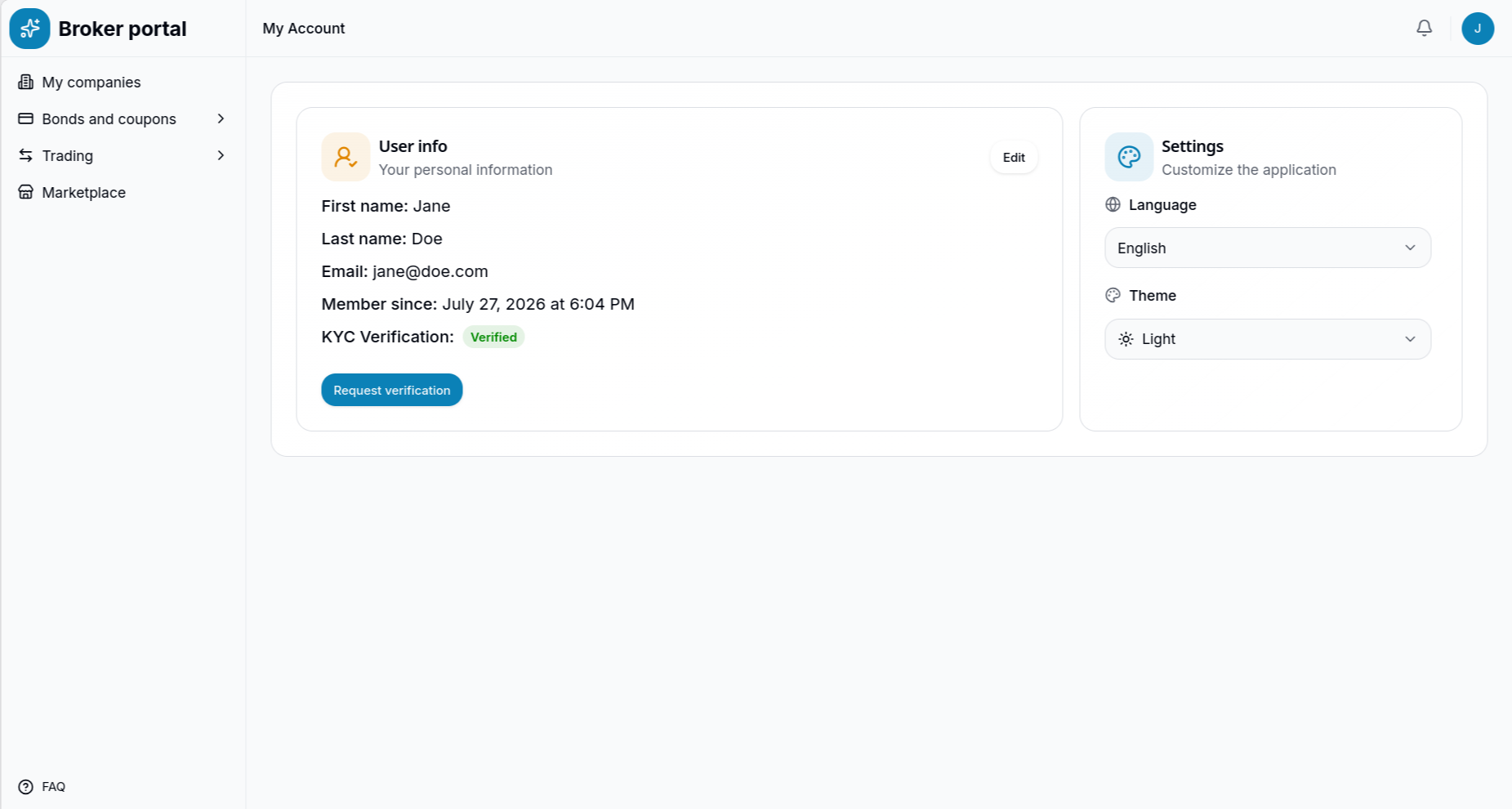
Once successfully verified, the user's account reflects their cleared KYC status, granting them full access to proceed with business registration.
3. Company Registration (Issuer vs. Investor)
Because bonds are strictly B2B financial instruments on this platform, the verified user must now register the corporate entity they represent. The platform explicitly distinguishes between two primary roles:
- Issuer: Small or medium enterprises (SMEs) looking to issue bonds to raise capital.
- Investor: Qualified entities (such as asset managers or institutional funds) looking to purchase and trade bonds on the primary and secondary markets.
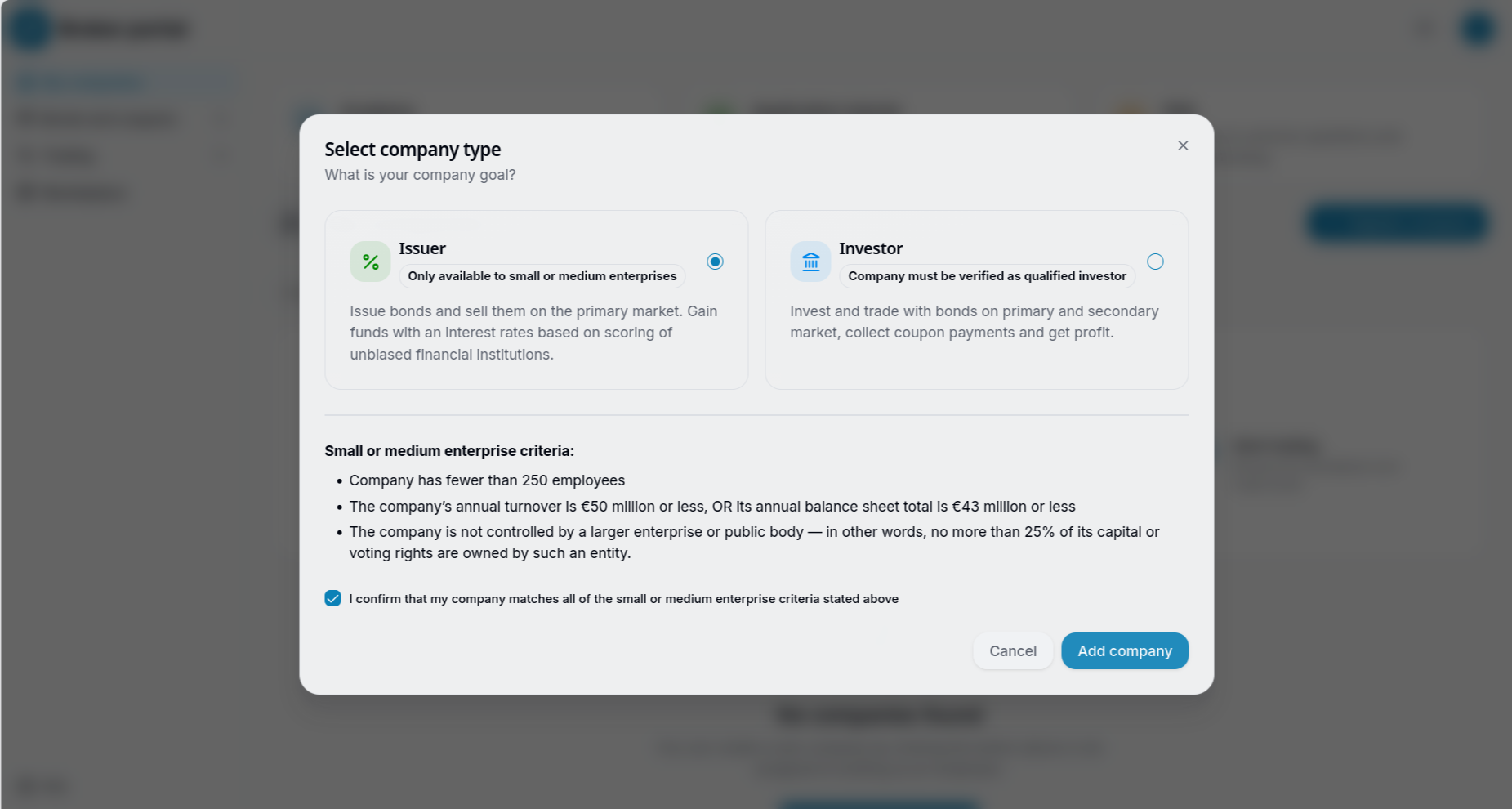
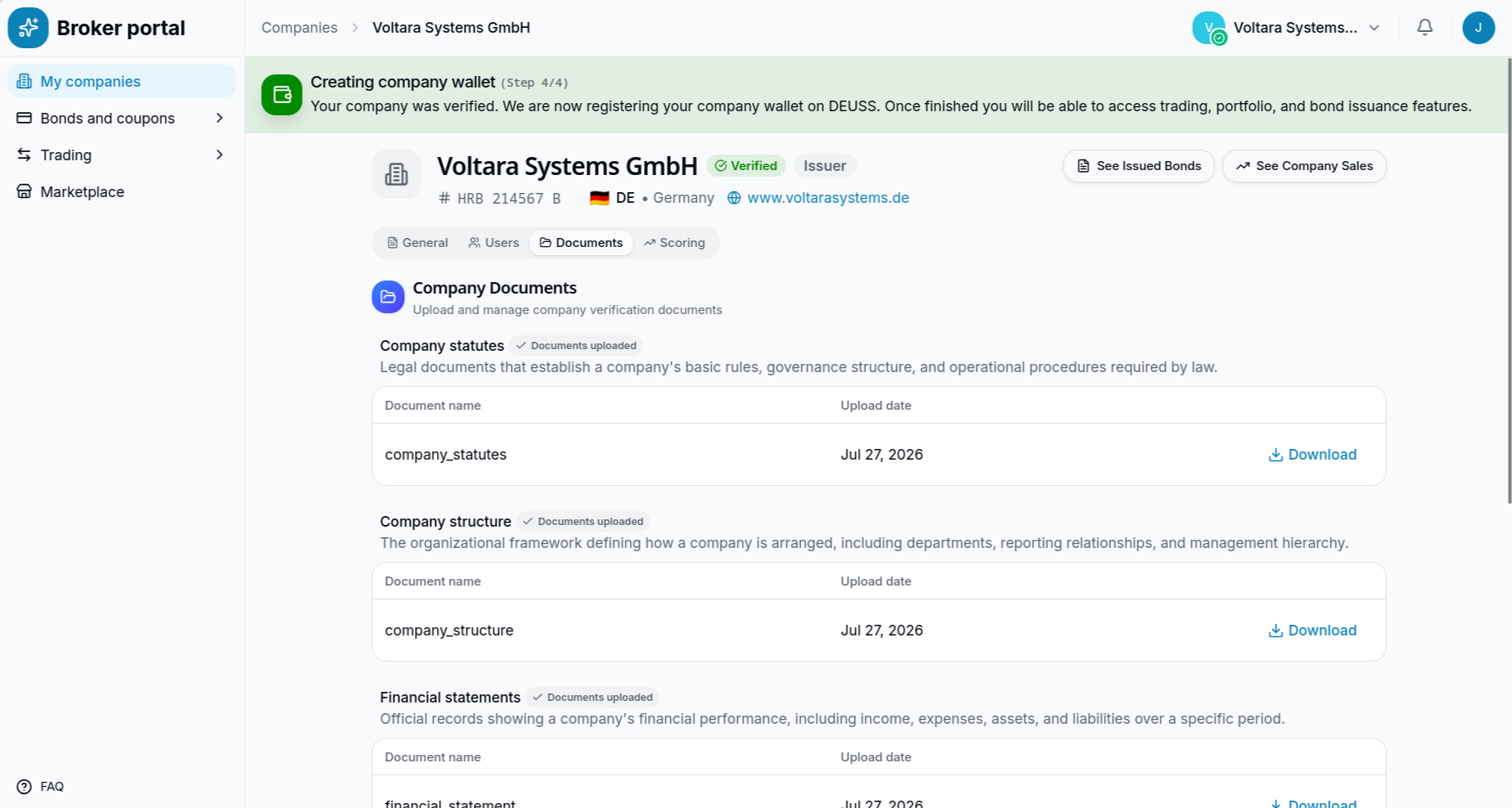
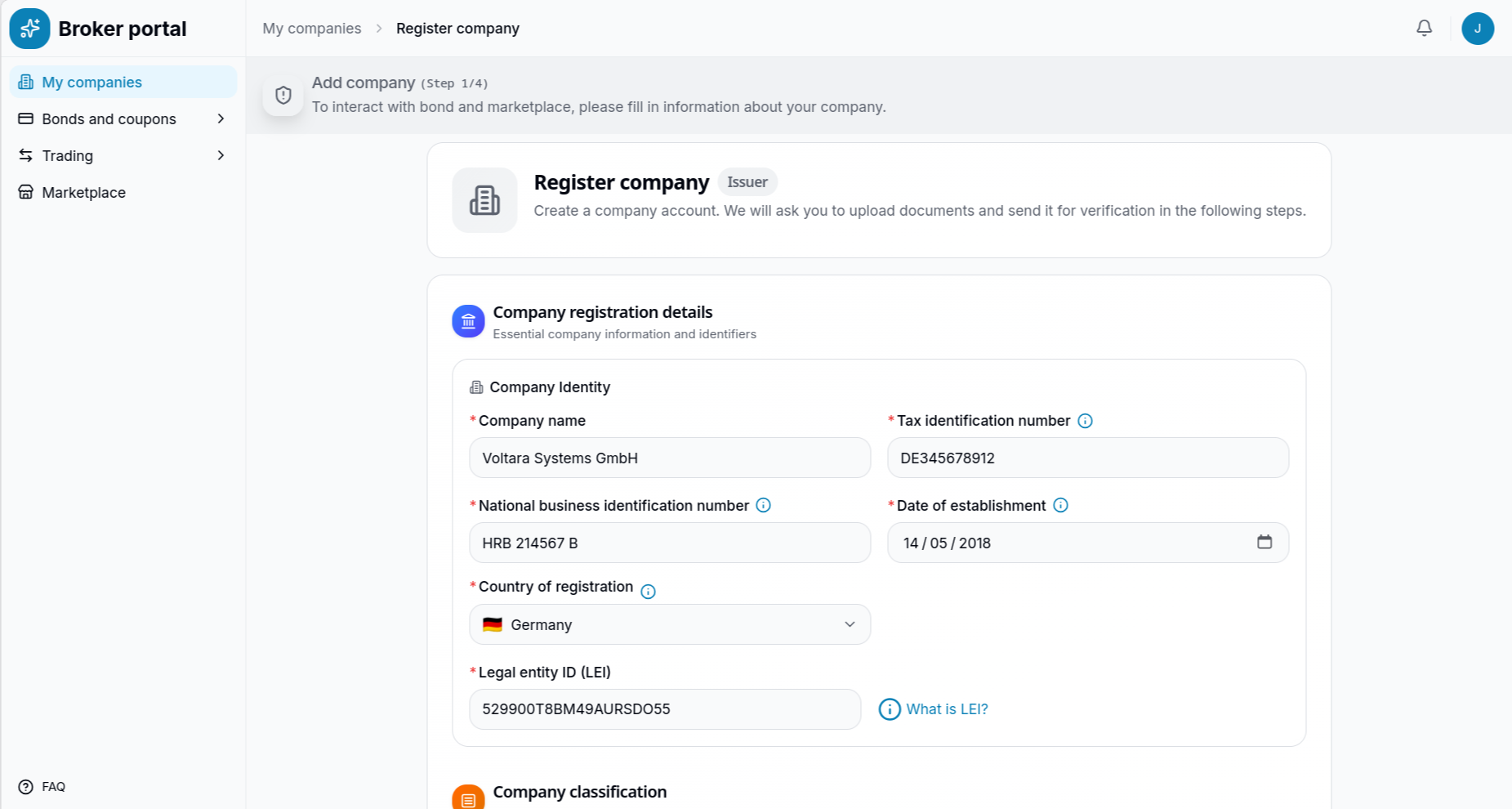
In this scenario, the user registers an Issuer company (e.g., Voltara Systems GmbH). They must provide essential company identifiers, including the Tax Identification Number, National Business ID, and Legal Entity Identifier (LEI).
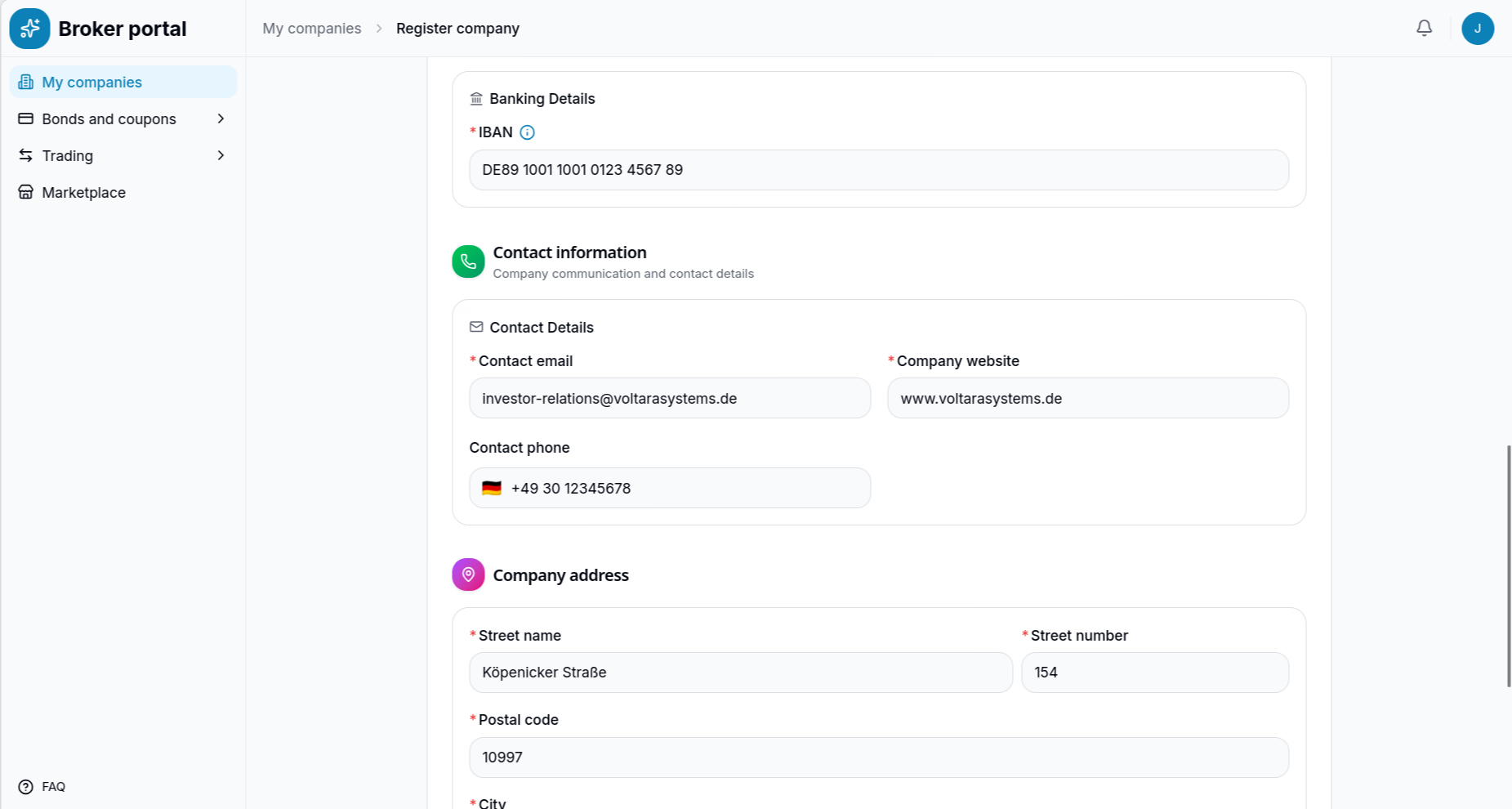
The user then inputs banking details (IBAN) and corporate contact information, including the registered company address.
4. Verification and Wallet Provisioning
Upon saving the details, the company profile is created but remains in a "Not Submitted" state. The platform requires supporting legal and financial documentation before backoffice approval.
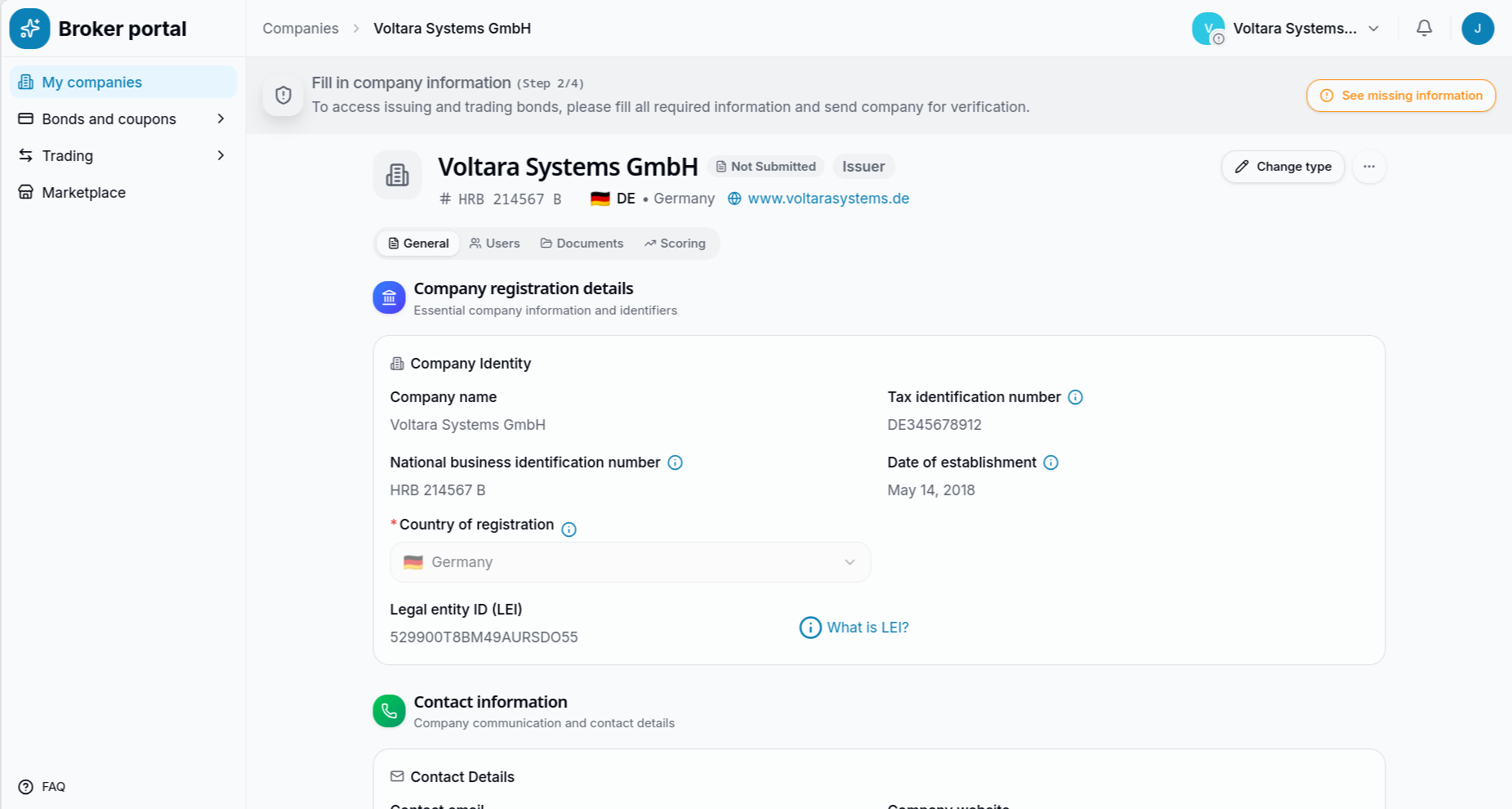
The user can access a validation checklist that clearly highlights the missing requirements preventing the submission for regulatory review.
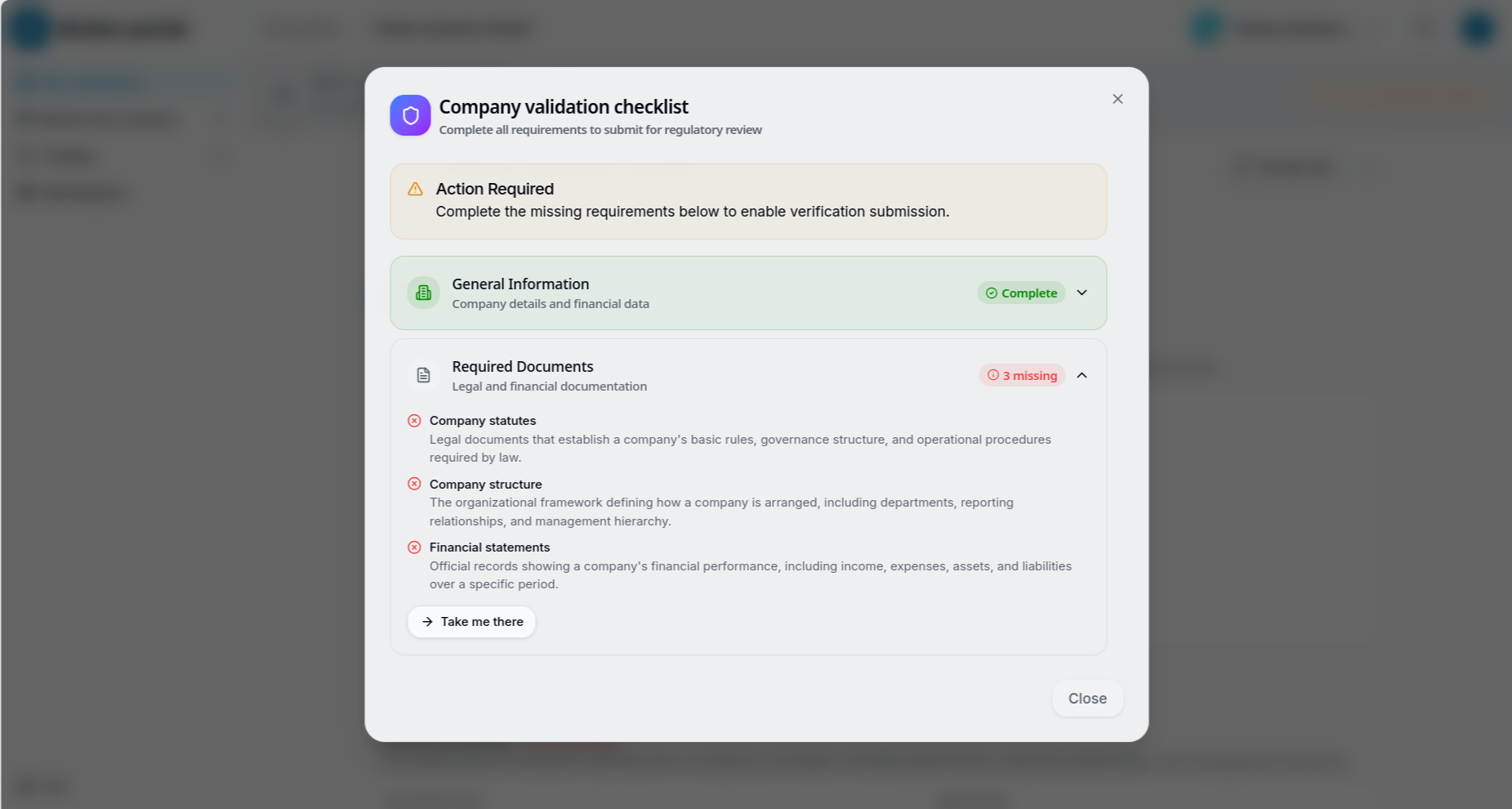
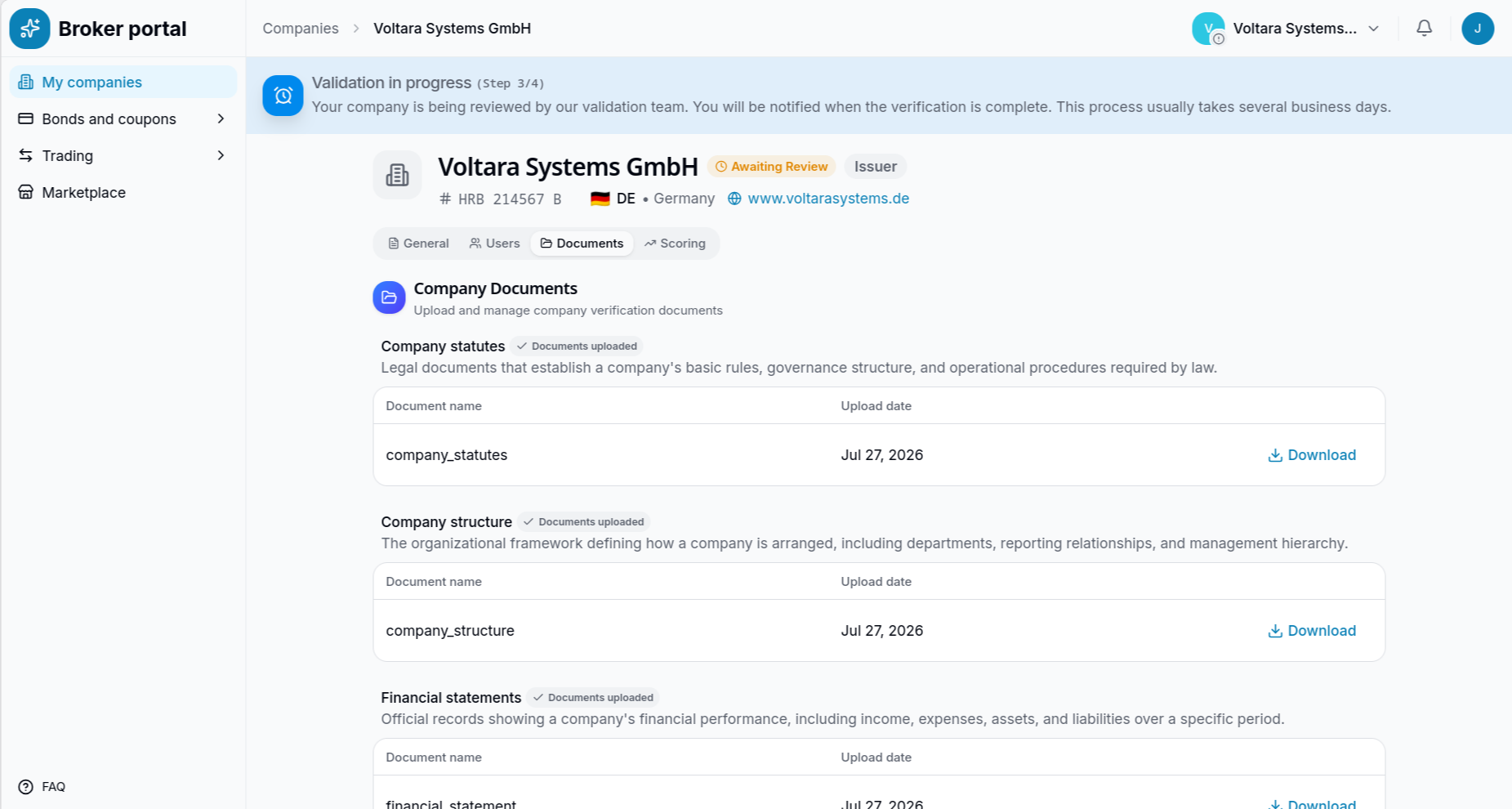
The user navigates to the Documents tab to upload the required corporate files, such as company statutes, organizational structure definitions, and audited financial statements.
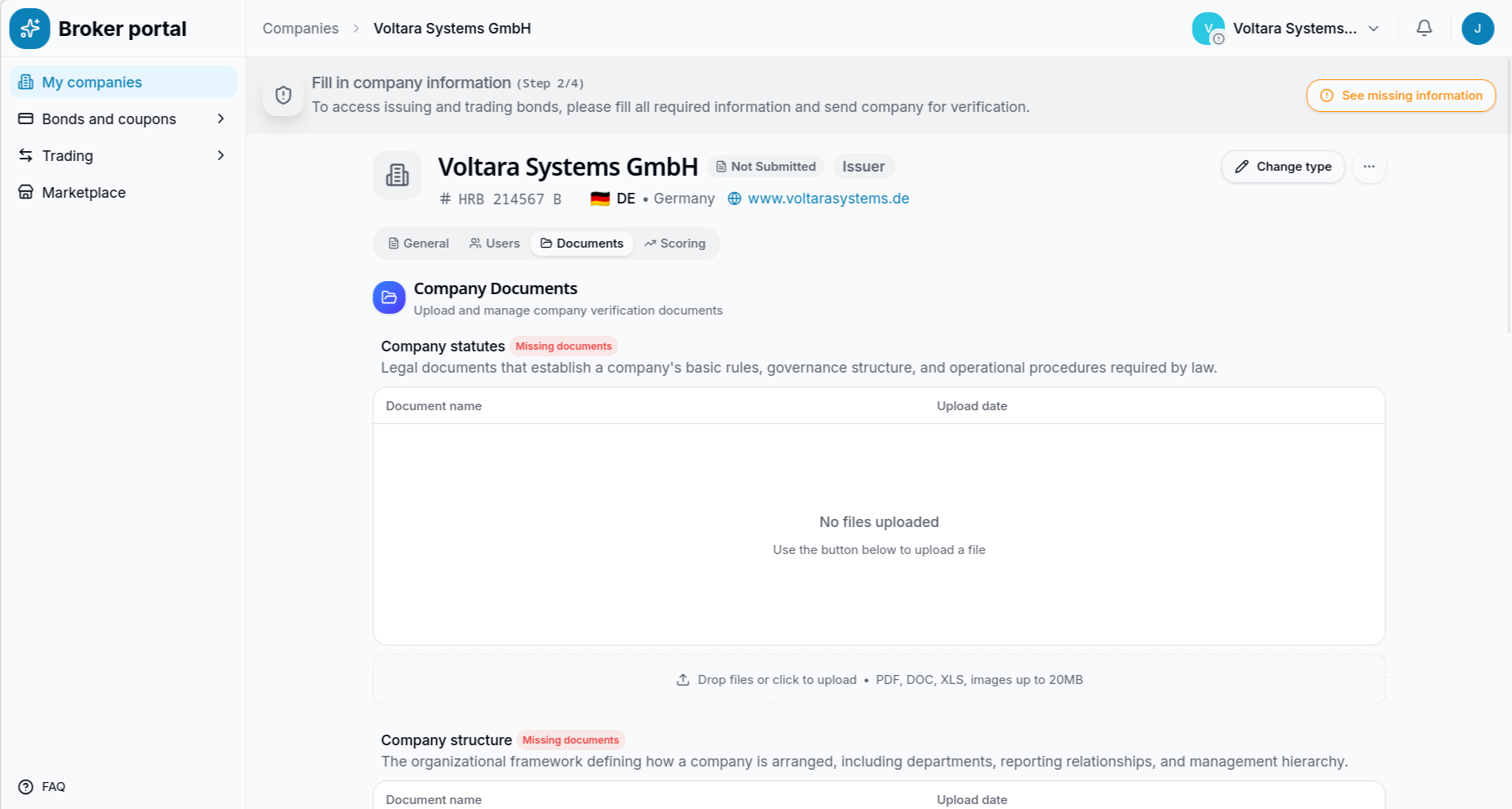
Once all mandatory documents are successfully uploaded, the system updates the UI to reflect the completion and enables the submission flow.
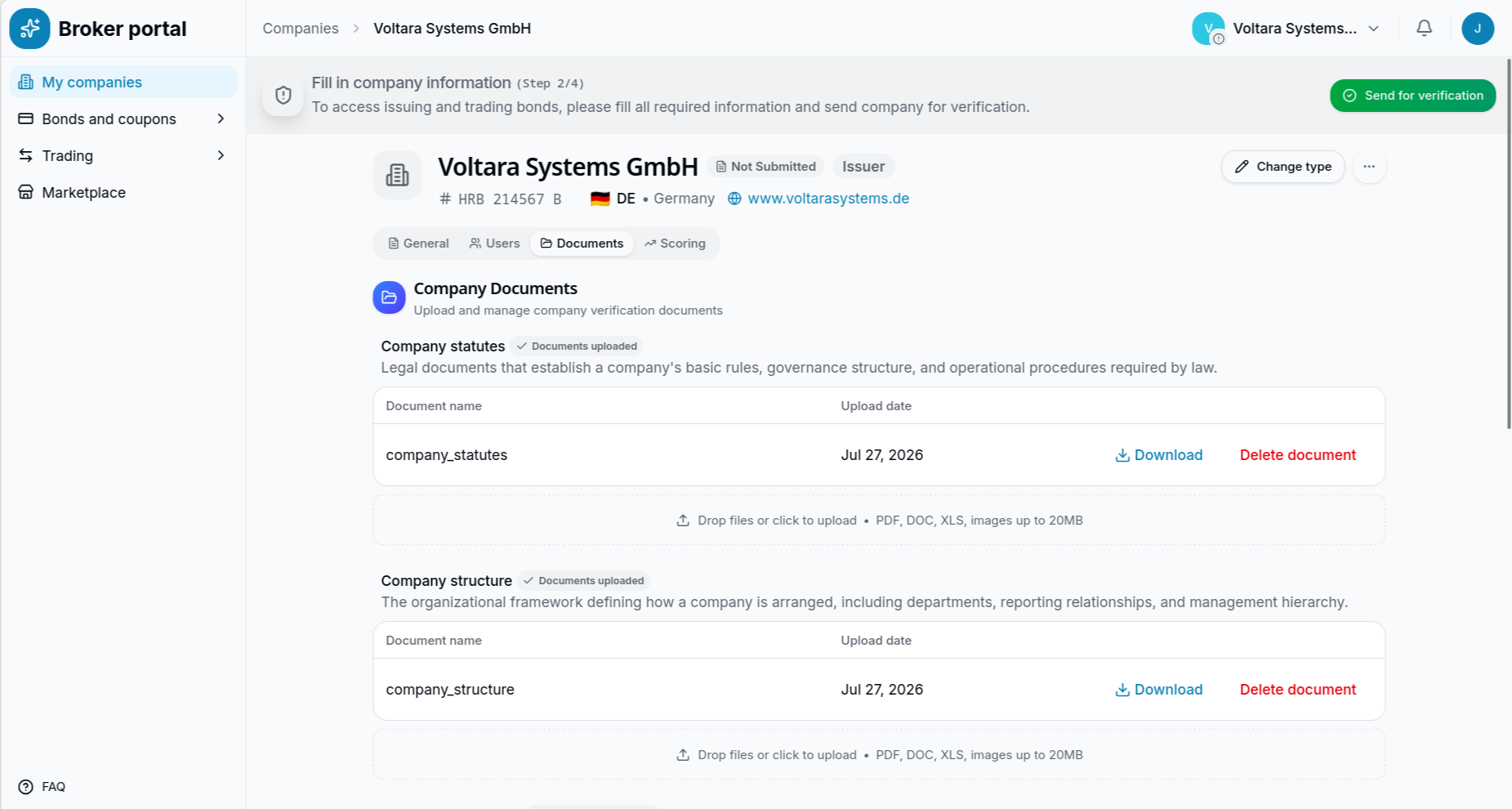
The user can double-check the validation checklist, which now proudly indicates that all prerequisites are complete.
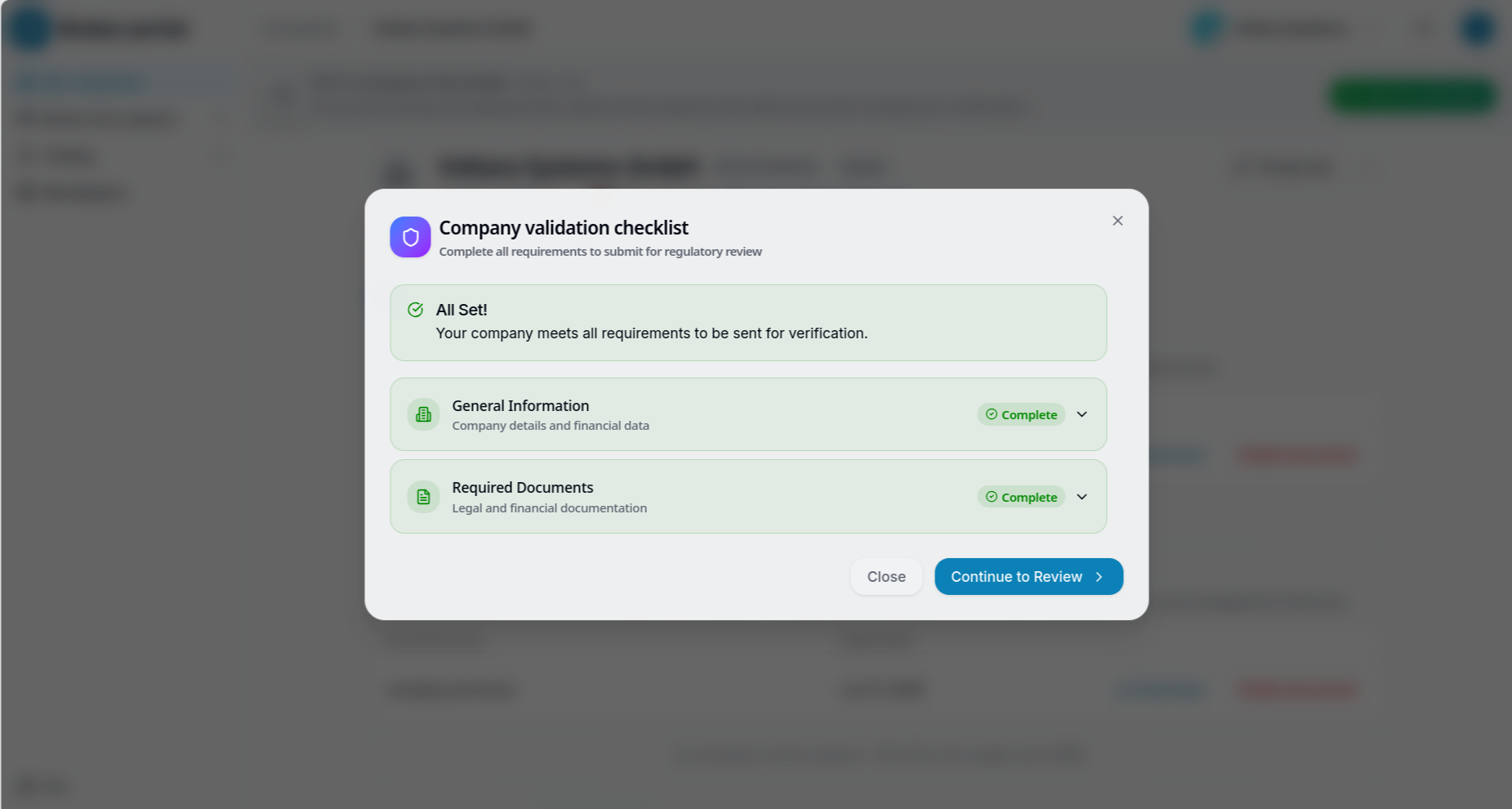
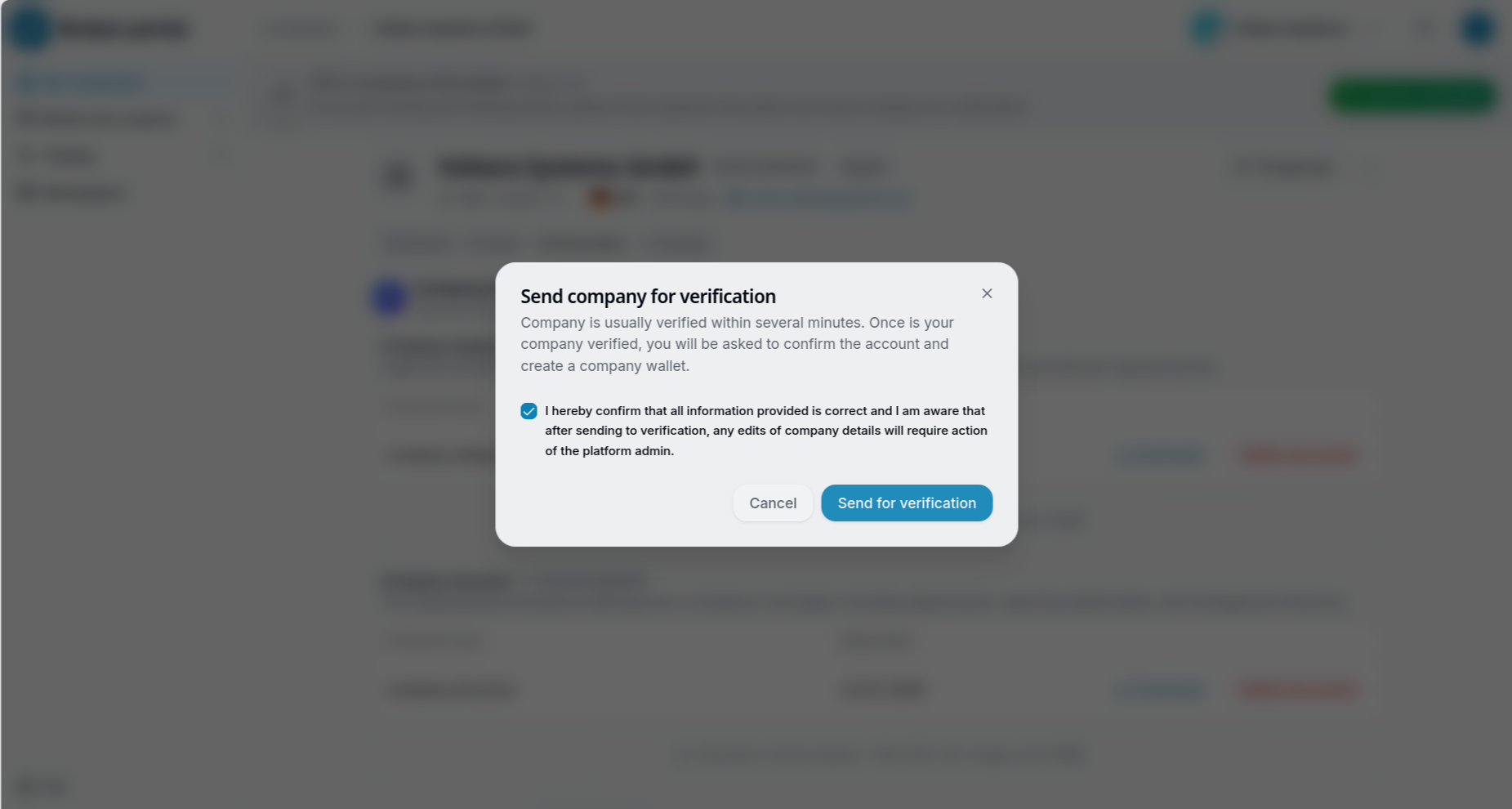
The user clicks "Send for verification" and confirms a final modal acknowledging that the information is correct and that any future edits will require admin intervention.
After submission, the company profile enters a "Validation in progress" state (Awaiting Review), and the user must wait for backoffice processing.
Backoffice Approval Process
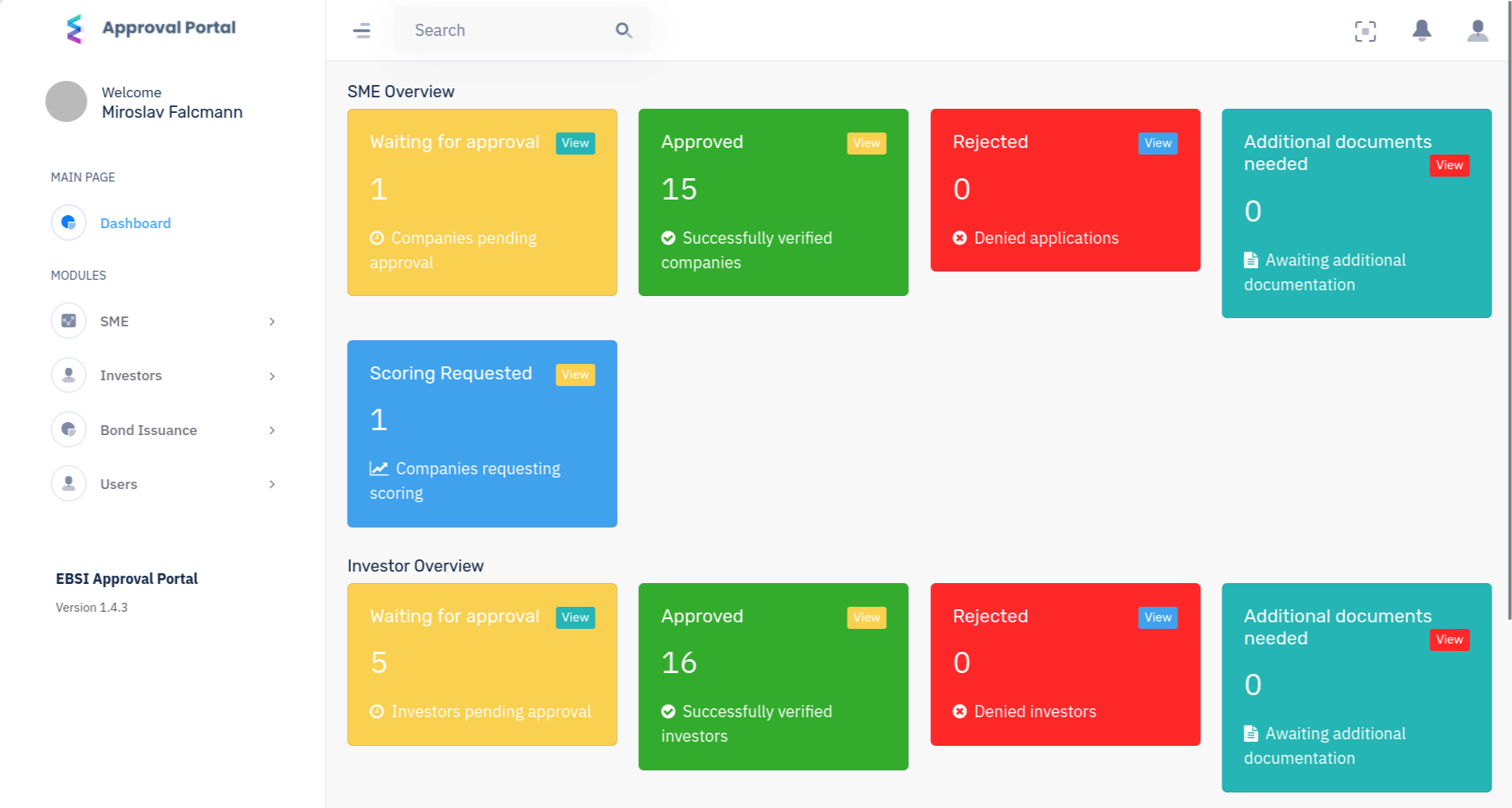
At this point, a Compliance Administrator logs into the separate internal Approval Portal. The dashboard provides a clear overview, showing that one new SME is waiting for approval.
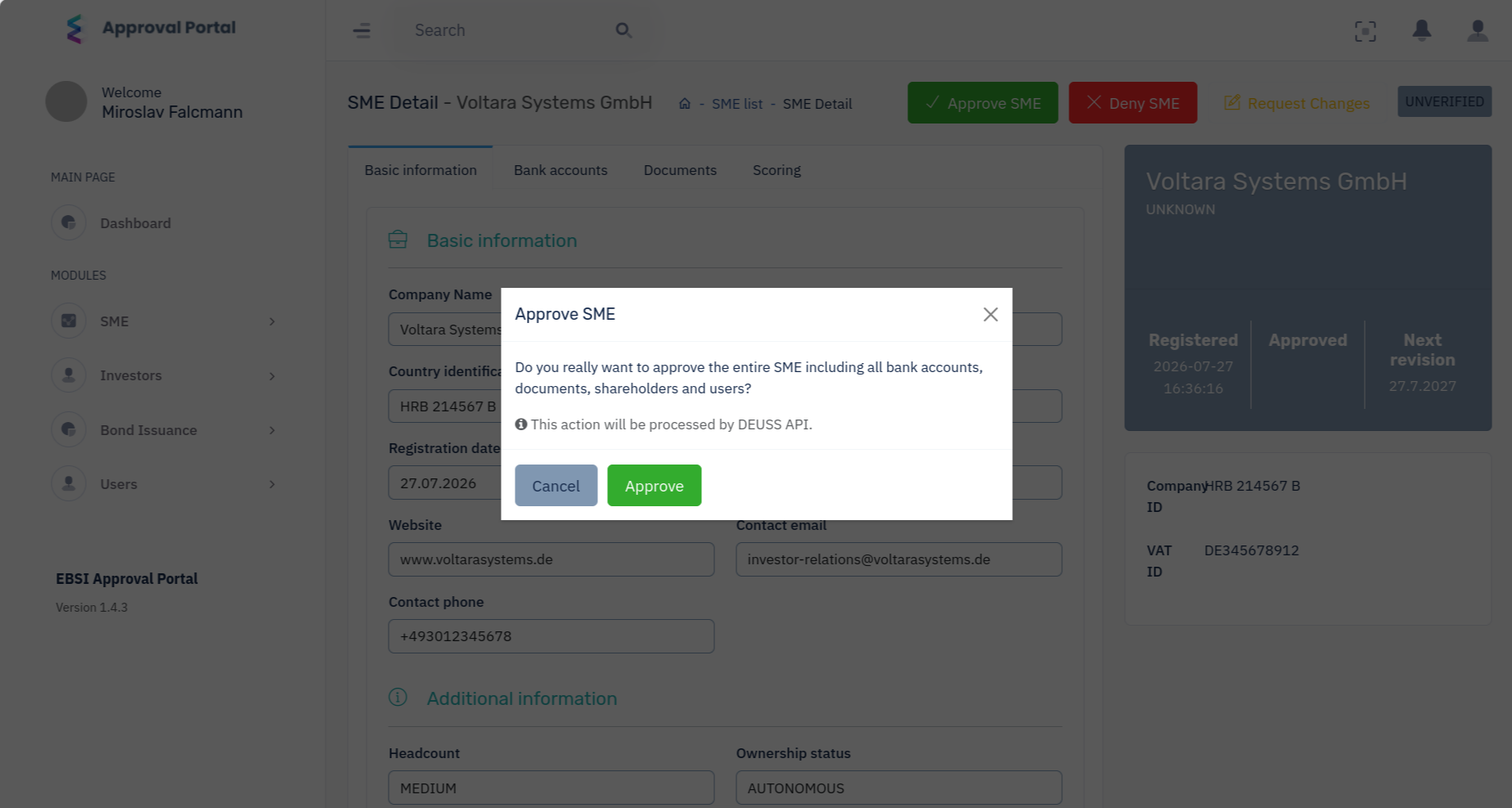
The administrator navigates to the SME detail view to thoroughly cross-reference the provided company details, banking information, and uploaded legal documents. The profile currently shows as UNVERIFIED.
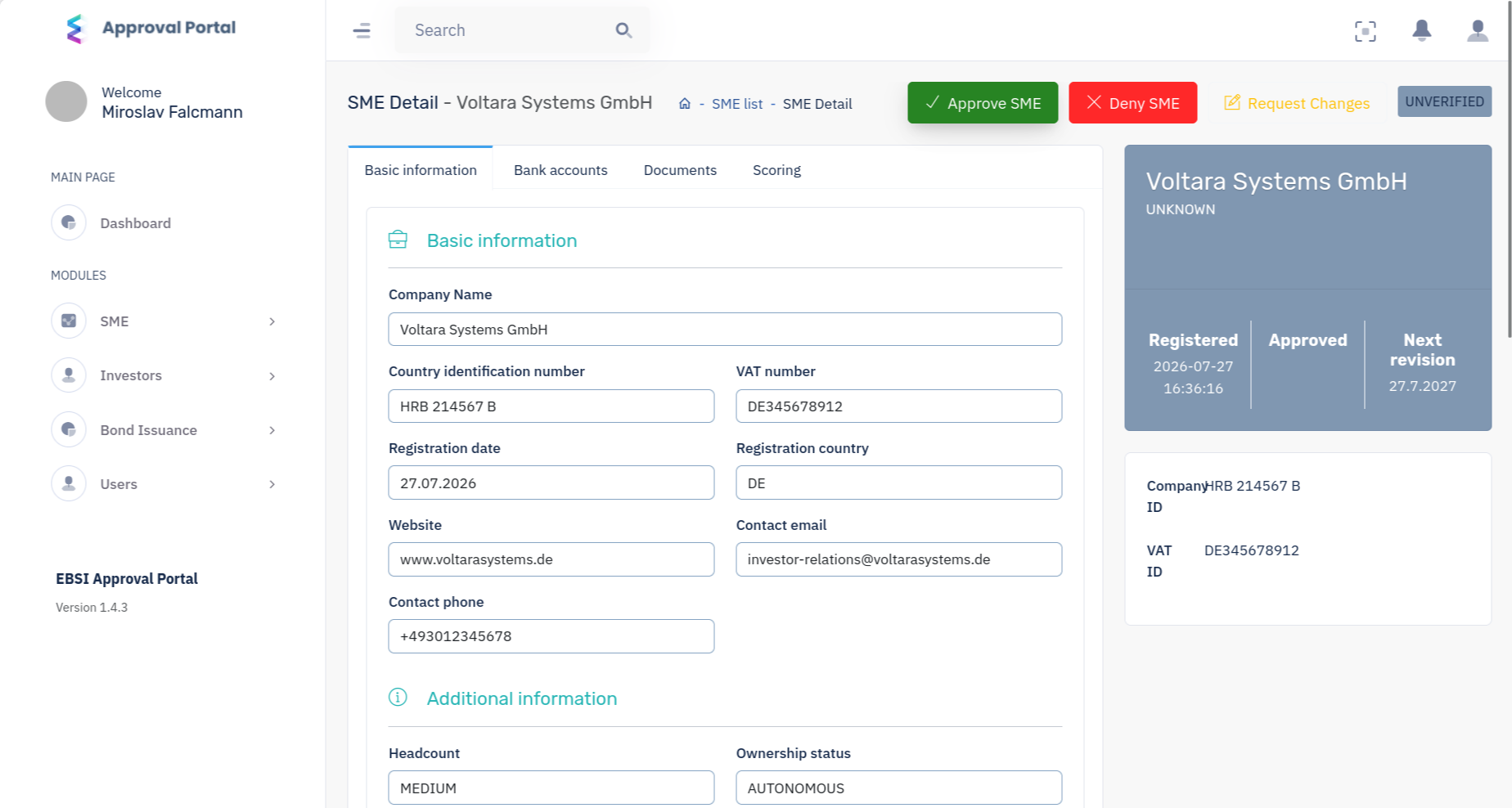
Finding everything in order, the administrator clicks "Approve SME." A confirmation modal appears, warning that this action will process the verification via the DEUSS API.
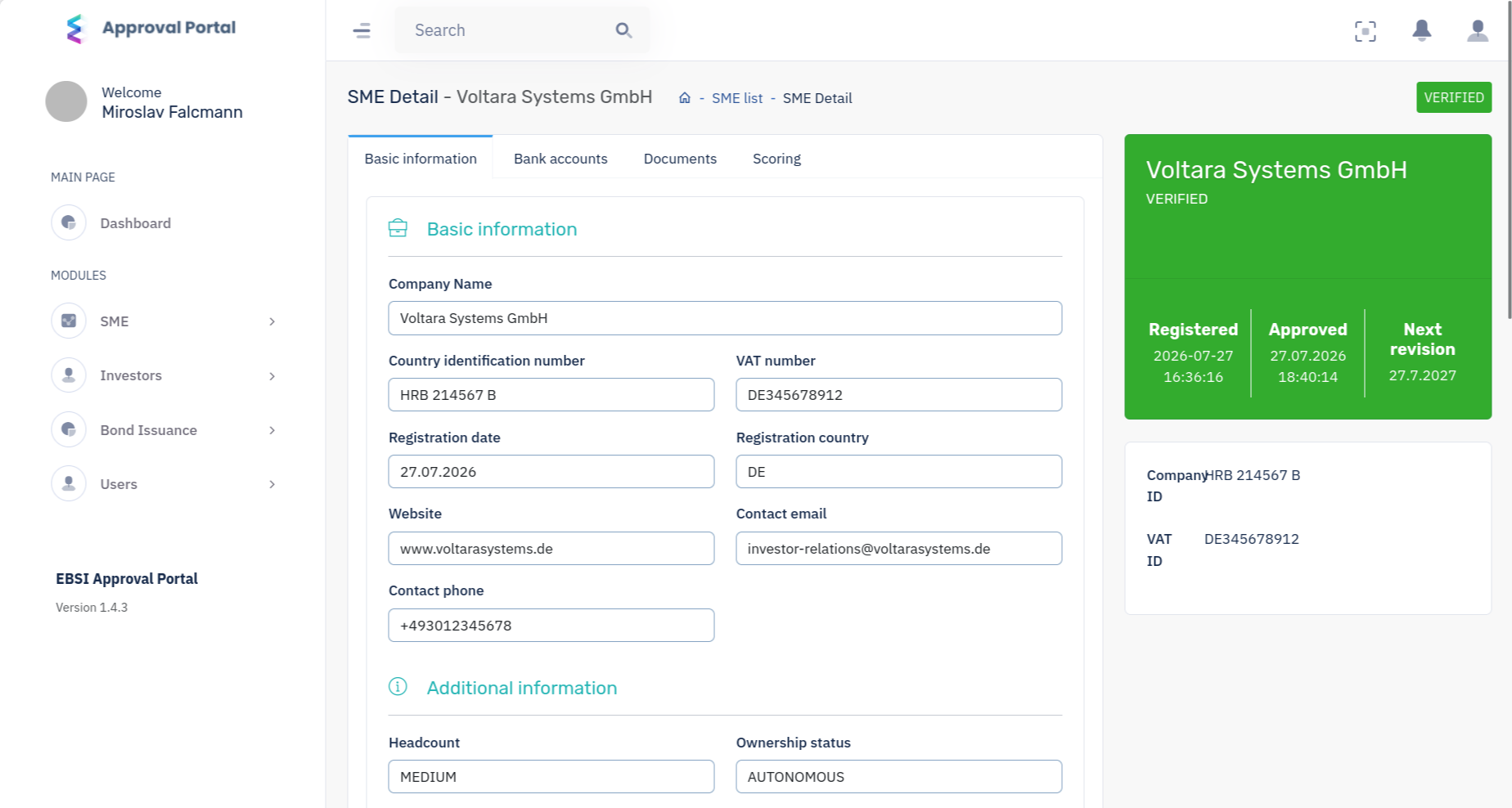
Upon confirmation, the company's status in the Approval Portal immediately updates to VERIFIED in green.
Automated Wallet Provisioning
Switching back to the client's Whitelabel Broker Portal, the company profile updates in real-time. Because the rigorous KYC and corporate checks are now complete, the DEUSS system automatically triggers the final onboarding step: provisioning a secure, dedicated company wallet on the blockchain. Once this automated background process finishes, the issuer gains full access to create bonds and interact with the marketplace.